- Go to go.payreq.com.
- Select Forgot your password? on the sign-in page.
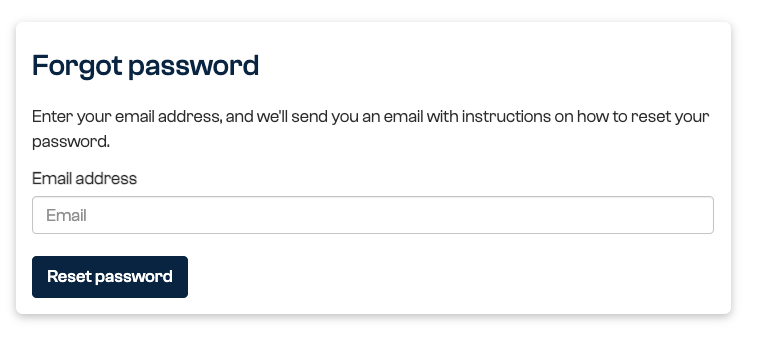
- Enter the email address used for your Payreq login.
- Select Reset password.
- Open the password-reset email within three days and follow its link.
- Create a new password that meets the requirements shown, then sign in.
If the message does not arrive, check your junk or spam folder and confirm that you entered the correct login email. Request a new link if the first link has expired. Use the most recent reset email if you requested more than one.
Do not share a reset link, verification code or password. Contact Payreq Support if you no longer have access to the login email or the reset process repeatedly fails.
Was this article helpful?
That’s Great!
Thank you for your feedback
Sorry! We couldn't be helpful
Thank you for your feedback
Feedback sent
We appreciate your effort and will try to fix the article