Your employer may use Payreq to deliver Canadian T4 slips and other annual tax documents. These documents appear in the same Inbox as your pay statements and may be labelled T4 received or with another description supplied for the document.
- Sign in at go.payreq.com.
- Open the Inbox.
- Look for the relevant tax year and document type.
- Select the document to open it.
- Select Download to save the PDF to your device.
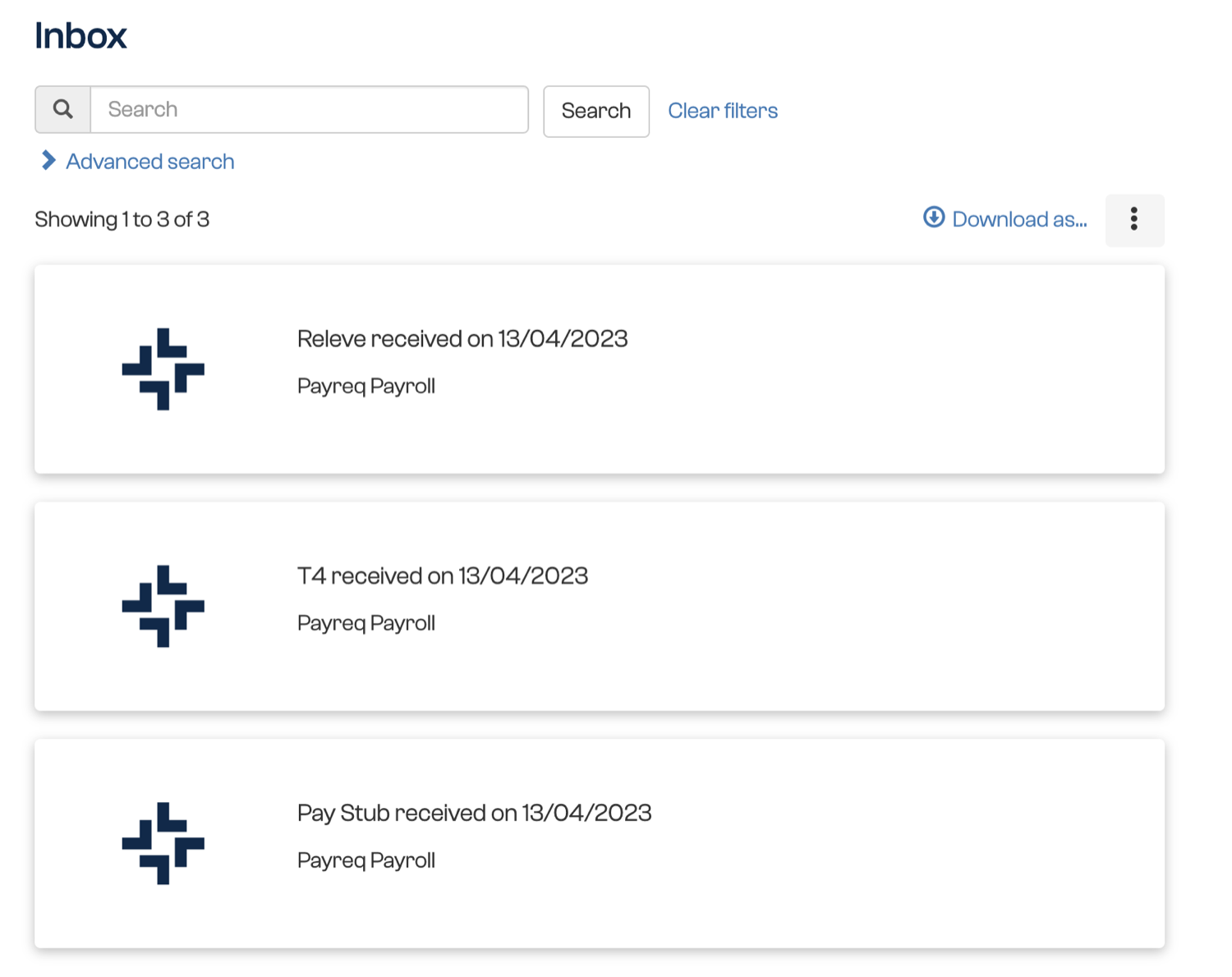
Your employer decides when tax documents are issued and which documents are supplied through Payreq. If a T4 or another expected form is not shown, confirm that your subscription is active and that you are signed in to the correct Payreq account.
Contact your employer's payroll or HR team if the document has not been issued, is missing or contains incorrect information. Payreq Support can help if your employer confirms the document was sent but you cannot access it in Payreq.
Was this article helpful?
That’s Great!
Thank you for your feedback
Sorry! We couldn't be helpful
Thank you for your feedback
Feedback sent
We appreciate your effort and will try to fix the article