Payreq can forward supported invoices from participating organisations to a connected MYOB business's In Tray.
Connect MYOB
- Sign in to Payreq and open Account settings, then Connections.
- Open the MYOB connection, select your MYOB product and select Connect to MYOB.
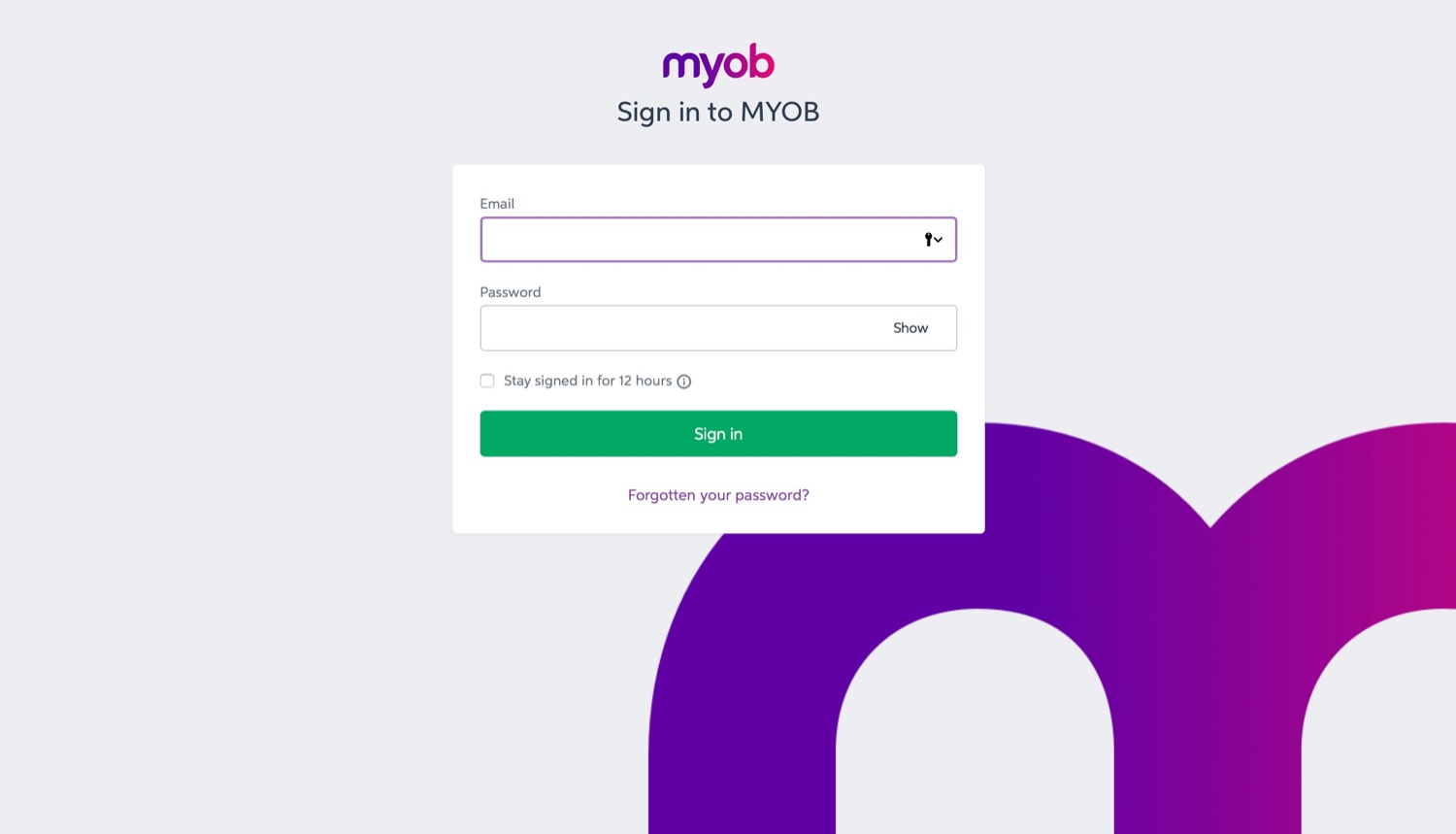
- Sign in to MYOB and authorise Payreq to access the intended business.
- Return to Payreq and confirm that the MYOB connection is marked Connected.
Subscribe for invoices
- Open Subscriptions and select Subscribe.
- Search for and select the organisation that sends the invoices.
- Select MYOB as the delivery method.
- Enter the verification details exactly as they appear on your current invoice. These fields vary between issuing organisations.
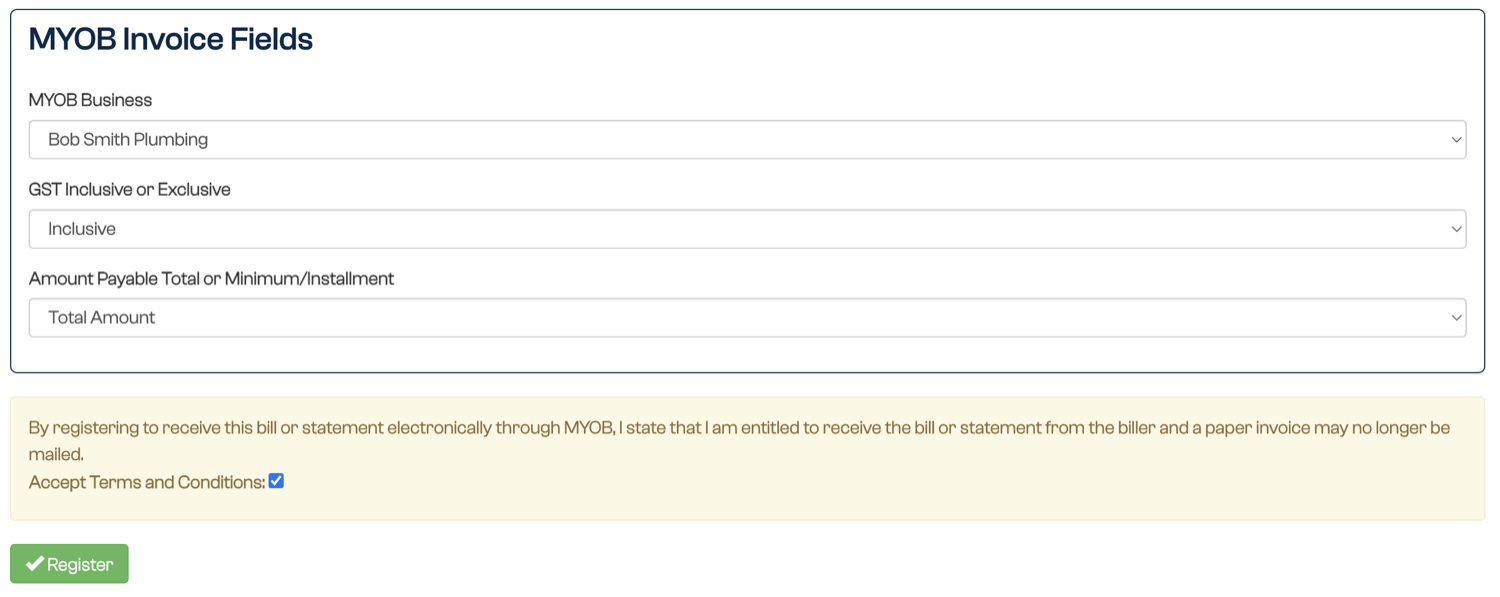
- Choose the forwarding details shown for your MYOB product:
- the MYOB Business that will receive the invoice;
- for MYOB Essentials, whether Payreq should create the supplier contact when it does not already exist;
- whether the invoice is GST inclusive or exclusive; and
- whether the amount payable is the total amount or the minimum or instalment amount.
- Accept the terms and conditions, then submit the subscription.

After you subscribe
Once the issuing organisation approves the subscription, new supported invoices are sent to the MYOB In Tray. Review each invoice in MYOB before approving or paying it.
Connect another MYOB business
Each additional MYOB business needs a separate Payreq Mailbox. From the user menu, select Add Payreq Account, create the additional Mailbox, then connect it to the other MYOB business.
Was this article helpful?
That’s Great!
Thank you for your feedback
Sorry! We couldn't be helpful
Thank you for your feedback
Feedback sent
We appreciate your effort and will try to fix the article