Your employer may use Payreq to send pay statements and tax documents securely. You need both a verified Payreq account and an active subscription to your employer.
Before you start
Have your employee number and a recent pay statement available. Your employer may ask for a postal code or another detail as well.
Subscribe to your employer
- Create and verify your account at go.payreq.com, or sign in if you already have one.
- Open Subscriptions and select Subscribe.
- Search for your employer and select the correct service.
- Choose the Payreq delivery option, where offered by your employer.
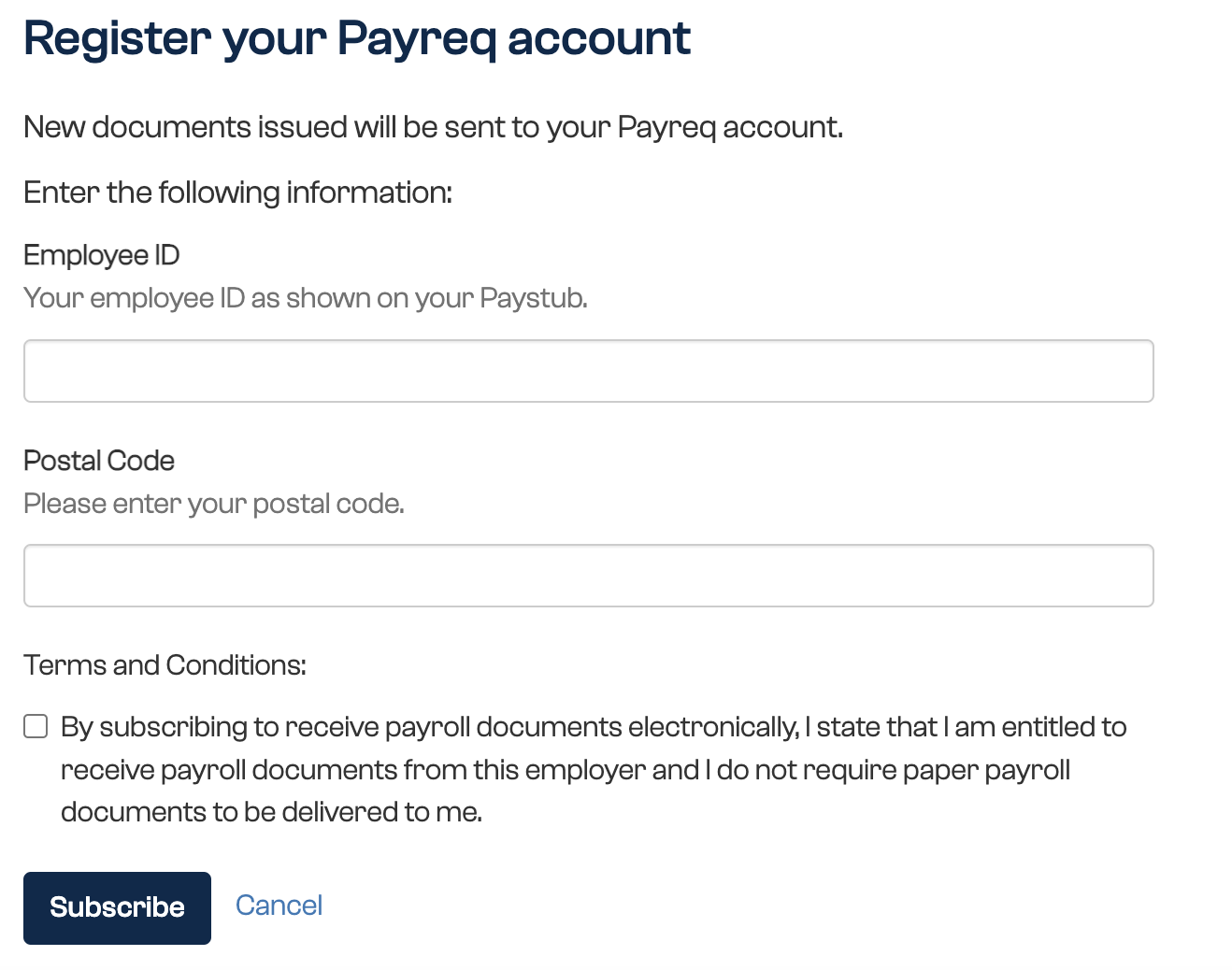
- Enter the requested details exactly as they appear on your pay statement. Include any leading zeros in your employee number.
- Accept the terms and submit the request.
- Complete any email verification step.

Your employer may review the request before it becomes active. Once approved, new pay documents will appear in your Inbox.
Using a personal email address can help you retain access if you later leave your employer. Check your employer's policy before using a work address.
Was this article helpful?
That’s Great!
Thank you for your feedback
Sorry! We couldn't be helpful
Thank you for your feedback
Feedback sent
We appreciate your effort and will try to fix the article